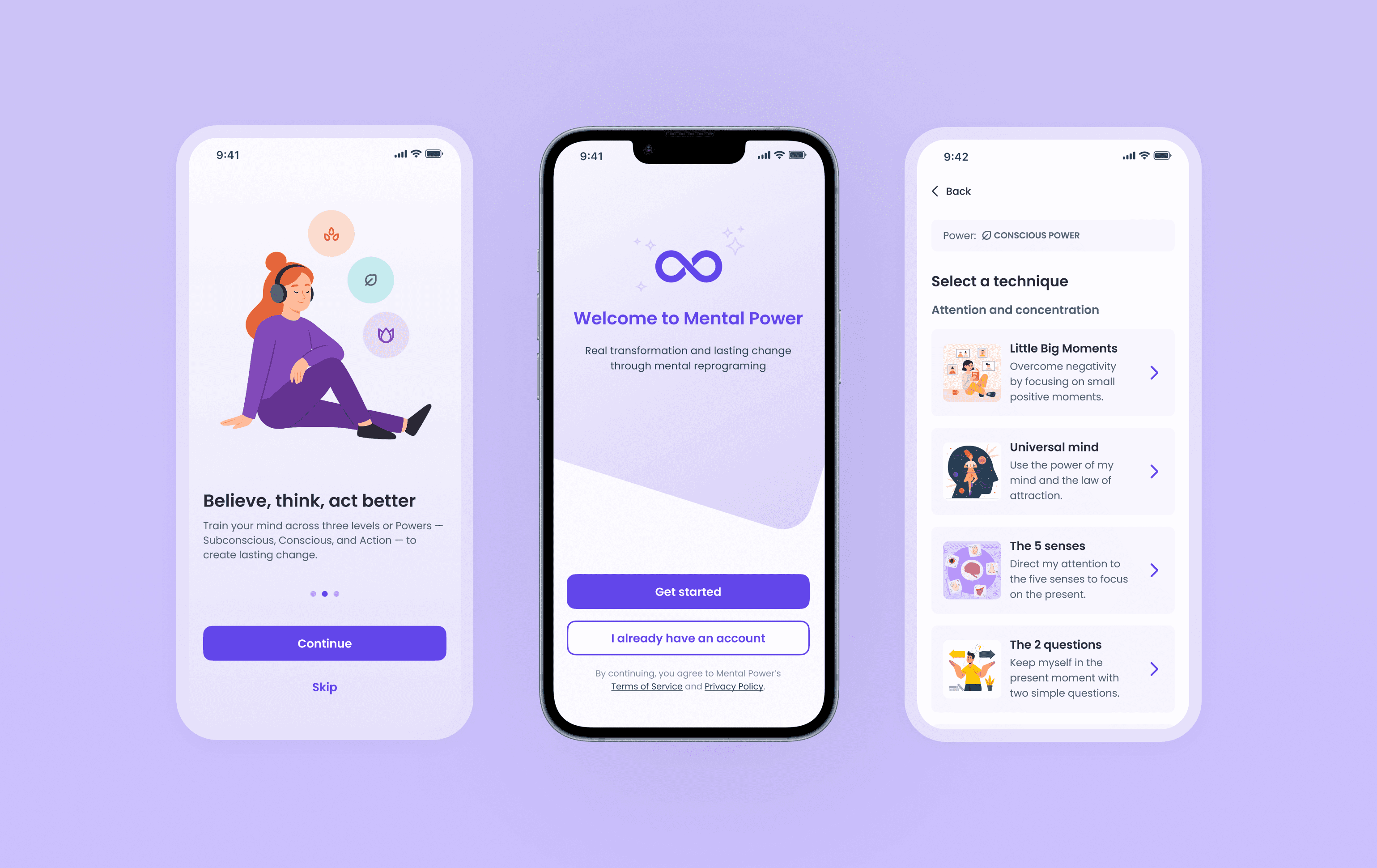
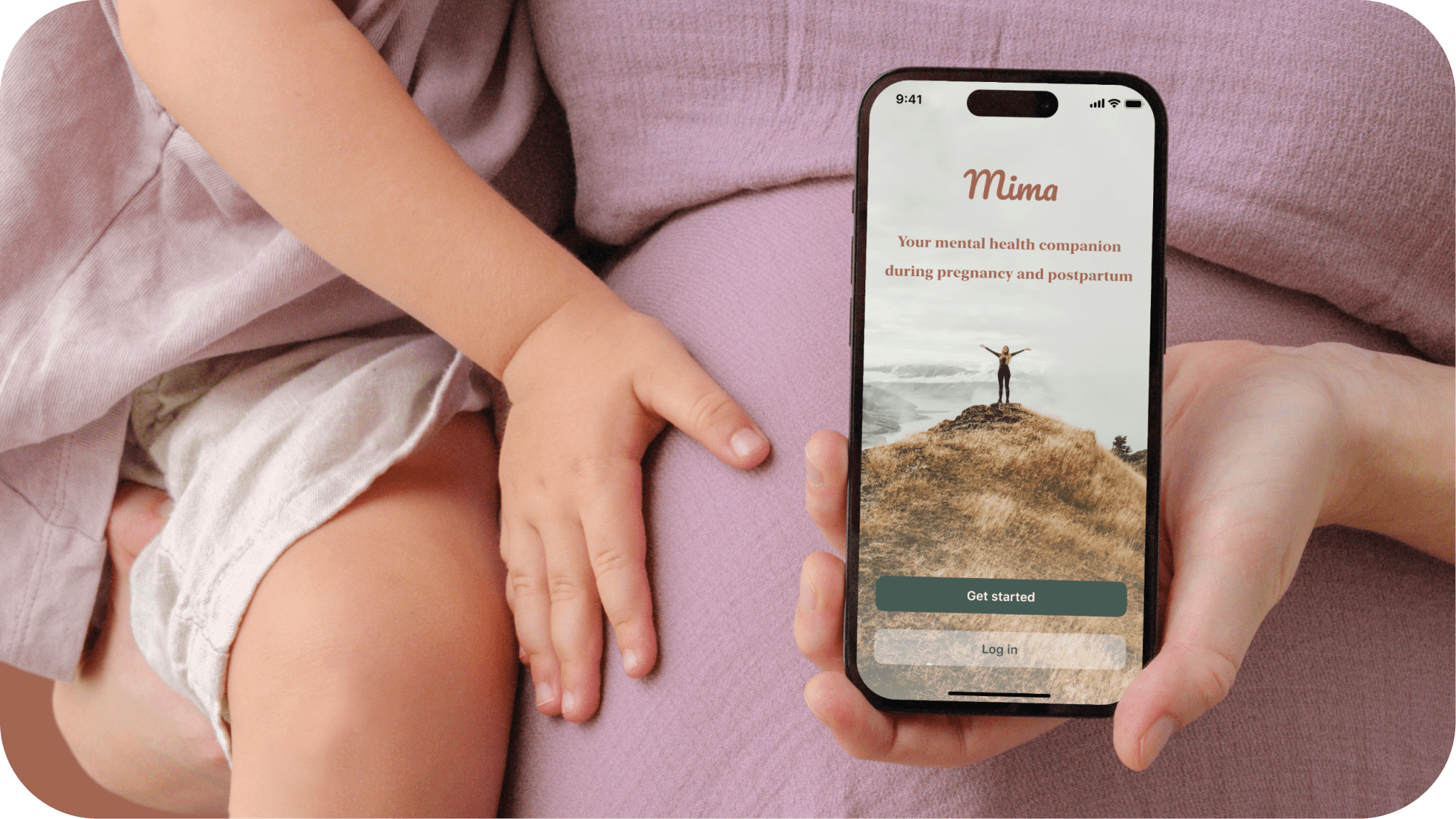
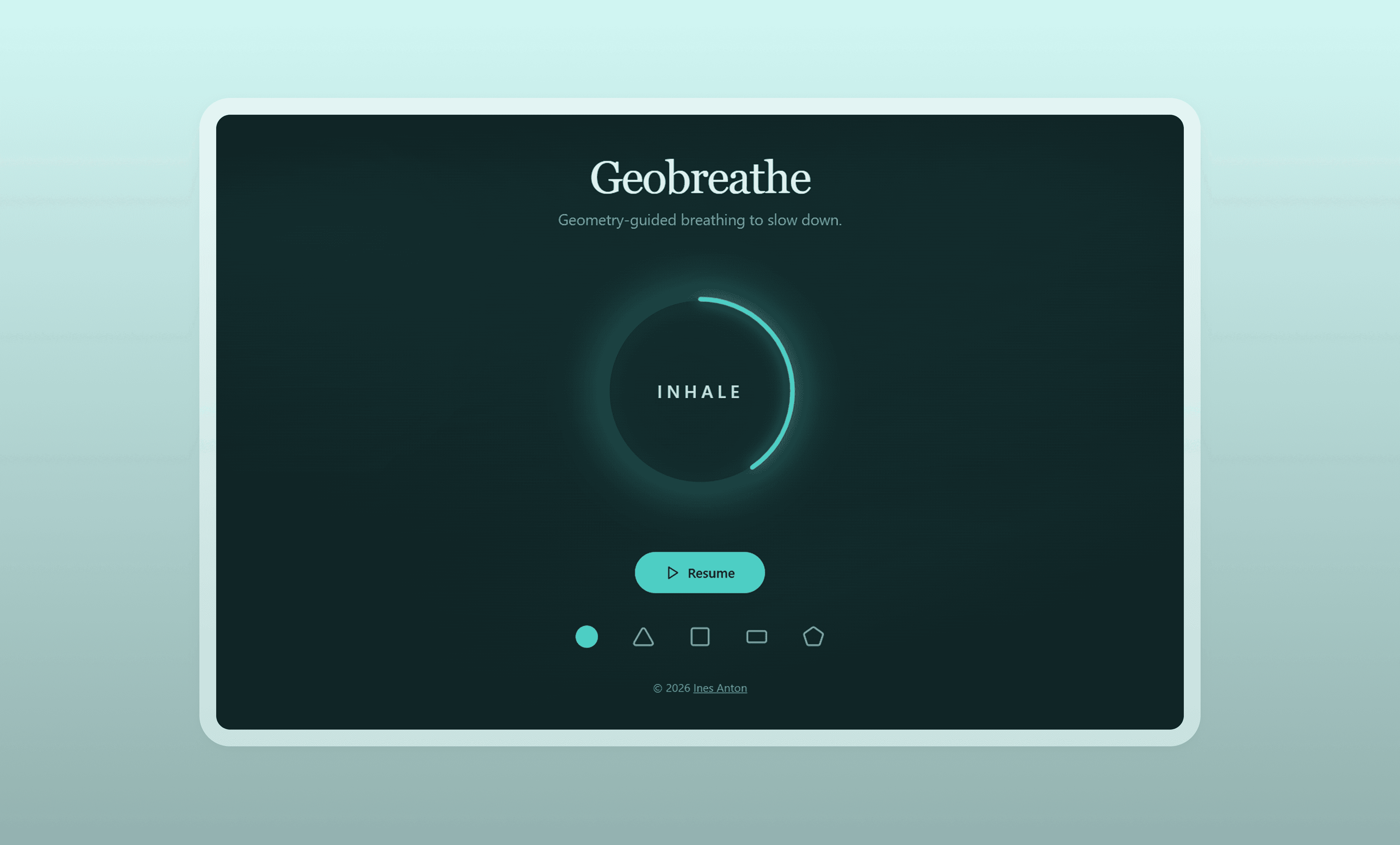
Geobreathe
2026
6 hours
Vibe-Coded Guided Breathing App
Characteristics
Personal exploration
Vibe-coding
AI workflow
Tools
ChatGPT
Lovable
Impact
Functional interactive prototype made in 6 hours
Confidence using AI in my design process
OVERVIEW
PROBLEM AREA
AI is moving fast. Great — until it isn’t
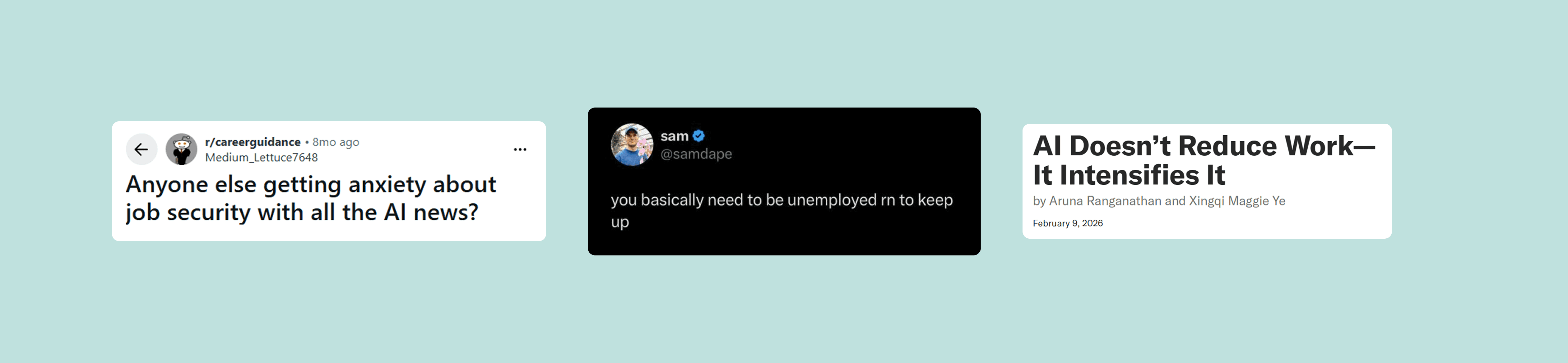
For many professionals, including designers, AI is quickly becoming indispensable. At the same time, the constant emergence of new tools, the pressure to keep up, and uncertainty around job security can generate stress and anxiety.
While mindfulness and breathing tools already exist, some experiences may feel too complex or visually abstract during moments when users simply need to calm down quickly.
This revealed an opportunity to create a simple, immediate calming tool that helps users slow down without cognitive overload, while also exploring how AI can accelerate product creation.
Insights gathered through social media and articles
CHALLENGES
I knew what I wanted. Not how to build it
This was my first hands-on experience building with AI tools, which introduced challenges:
Learning how to structure prompts effectively in an unknown tool
Managing iterations without breaking previous functionality
Understanding where errors originated (prompts vs. tool vs. logic)
Taking these challenges into account, one of the first decisions I made was to use another LLM to guide me in crafting prompts for Lovable.
PROPOSAL
Guided breathing app vibe-coded with Lovable
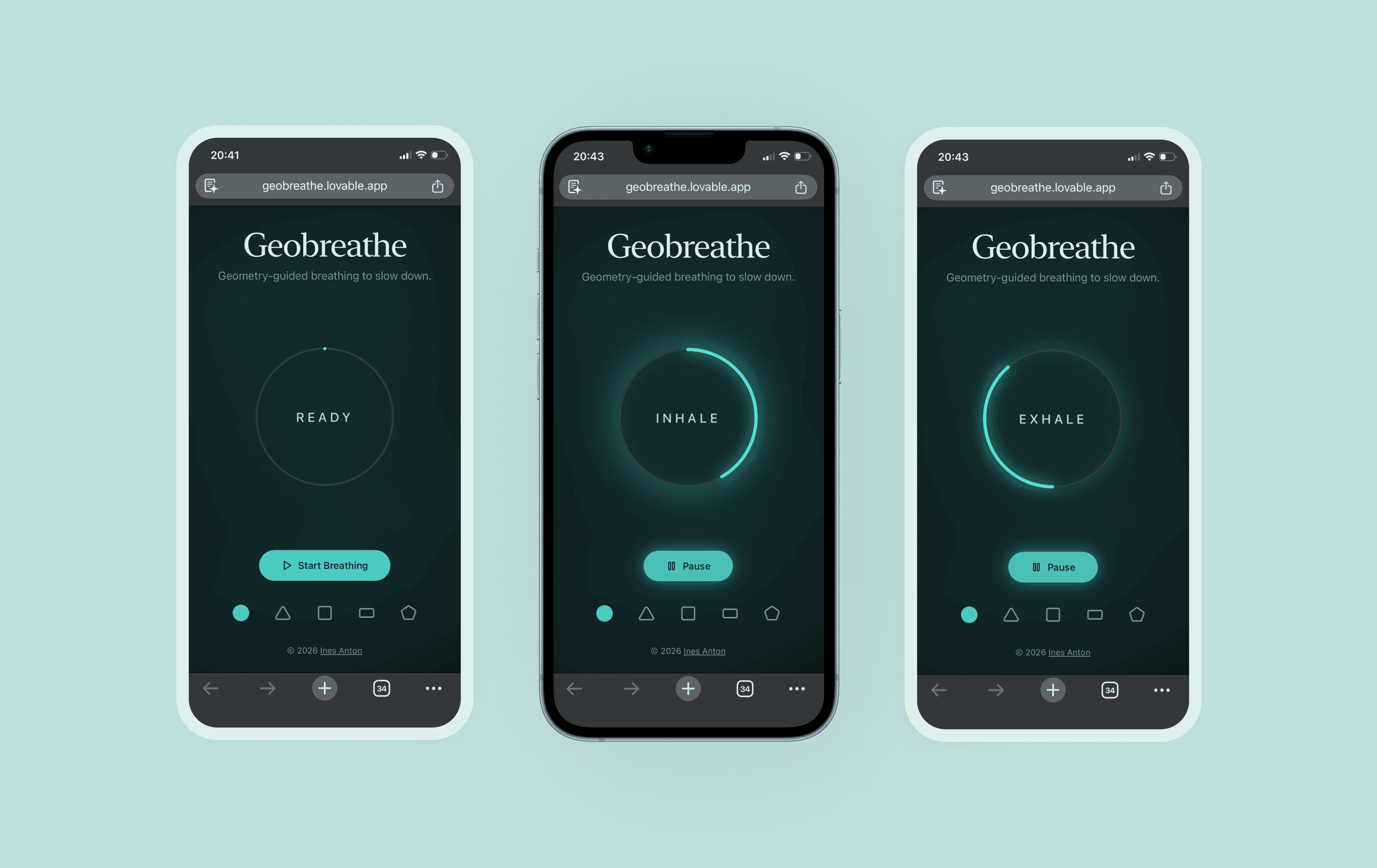
Geobreathe is a simple web app that guides users through breathing cycles using clear geometric animations (circle, triangle, square, etc.), starting with the easiest pattern and progressively offering more options.
Unlike many breathing apps that rely on organic or abstract visuals, Geobreathe focuses on structured geometry, which can be easier to follow during moments of stress.
Prototype in use
DECISION 01
Using AI strategically for efficiency and quality
I used ChatGPT to generate prompts for Lovable intentionally, not just for convenience, but to work more efficiently, to save Lovable credits and to achieve a higher-quality result starting from a much stronger foundation.
ChatGPT also supported:
Research on breathing techniques
Market exploration of existing products
Interface ideas and naming
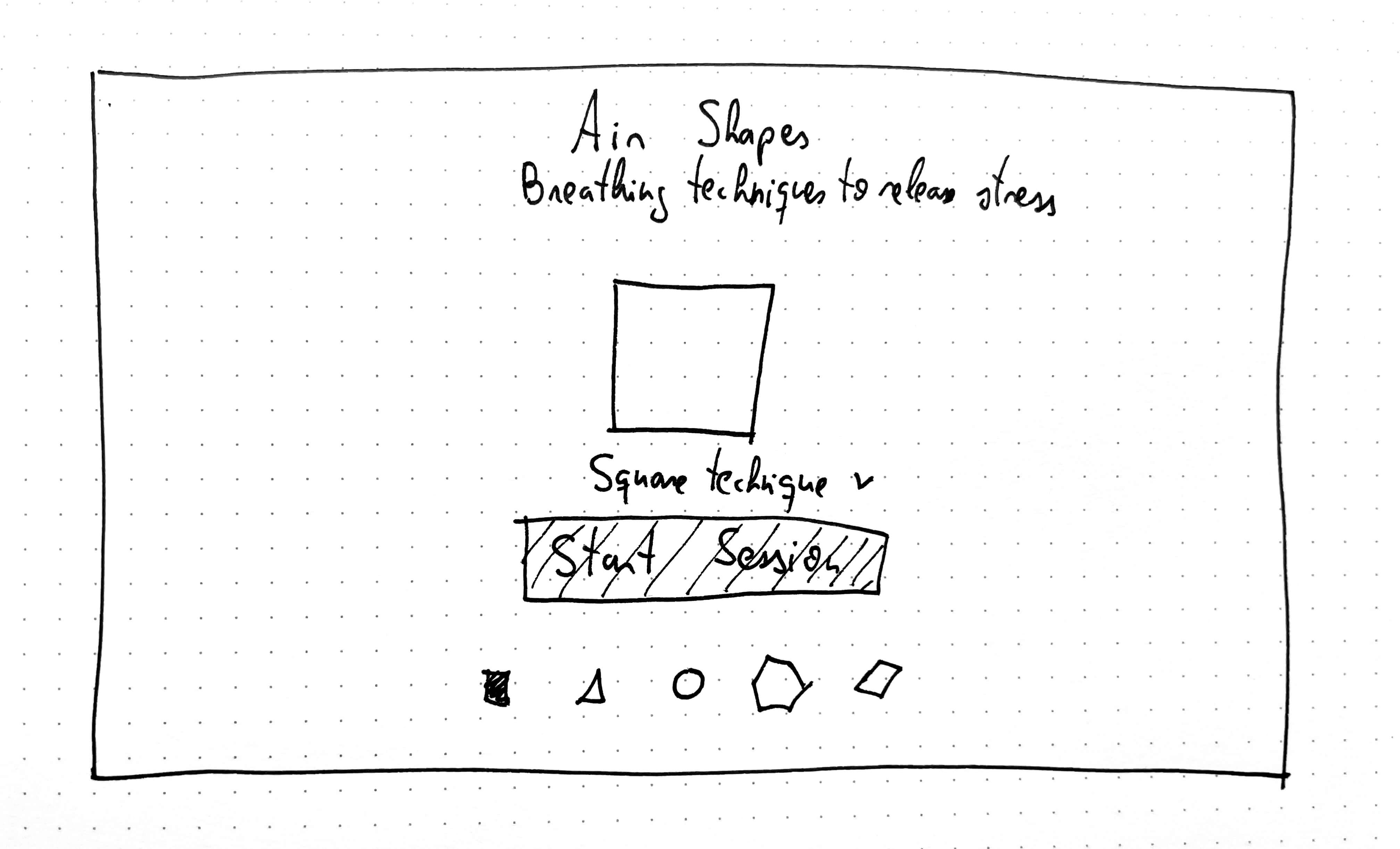
Translating sketches into implementation prompts
And refining instructions for better outputs
Sketch of the UI presented to ChatGPT to explain the concept
This approach allowed me to treat AI as a design collaborator, accelerating iteration while maintaining direction.
DECISION 02
Prioritizing simplicity
Early versions included more information, but I simplified the experience to reduce cognitive load.
First iterations
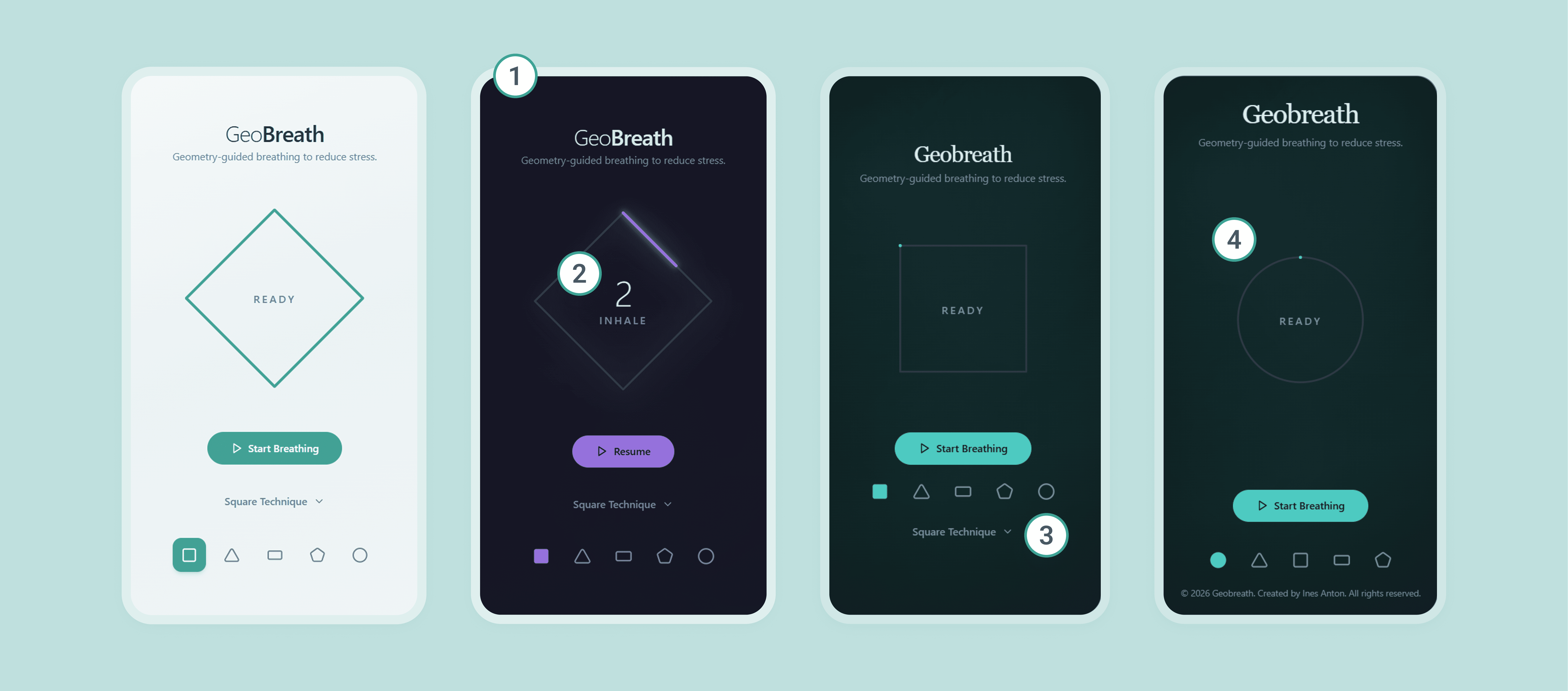
3. Cleaner interface
Removed technique labels and details to keep the interface clean.
4. Easier start
Defaulted to the easiest breathing technique first.
DECISION 03
Refining the details
I improved the experience through several iterations with the goal of improving the experience and making it more accessible.
Before and after
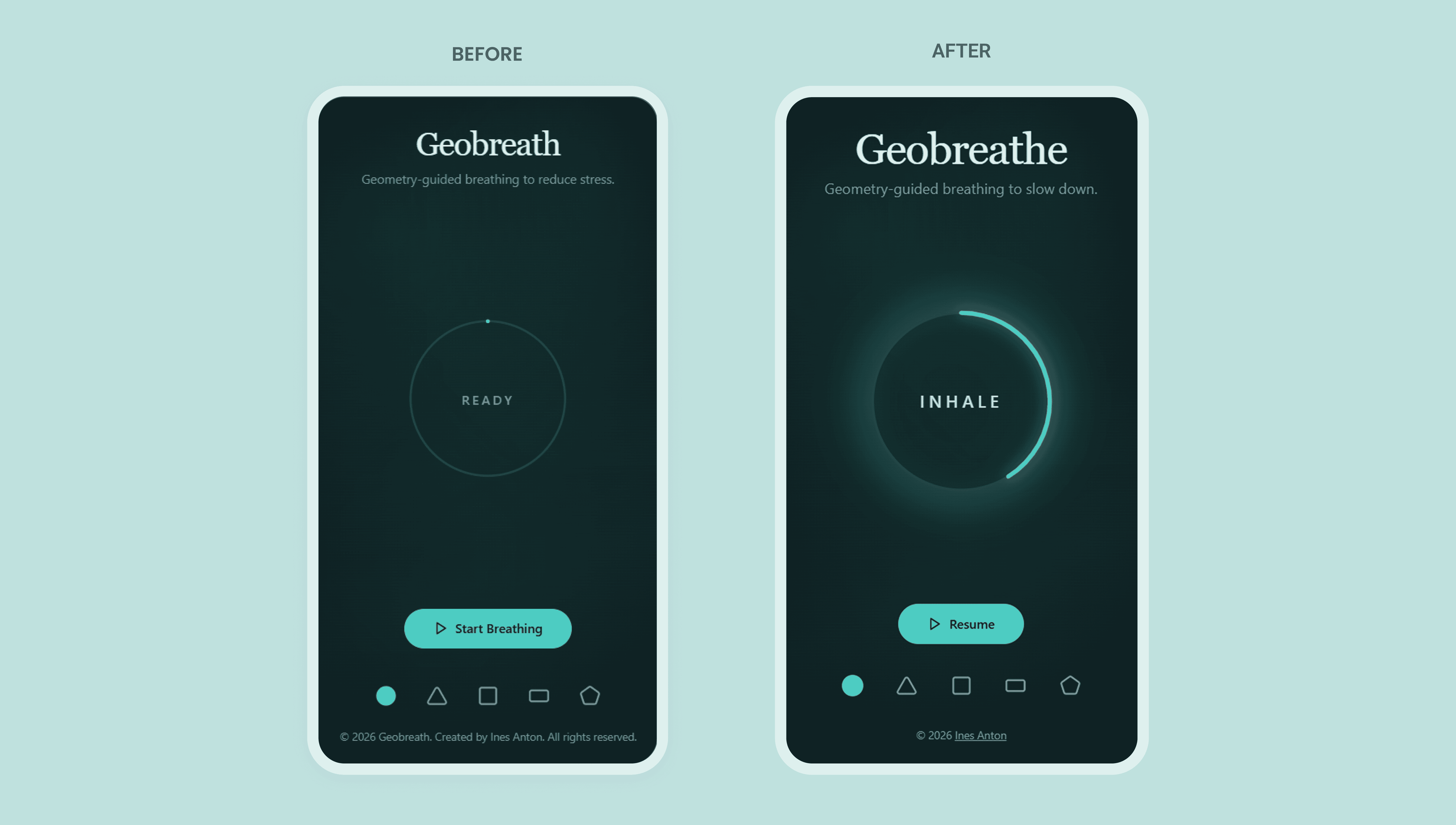
1. More intuitive experience
Added a synchronized glow animation matching inhale–hold–exhale cycles.
3. Accessibility check
Verified accessibility of touch targets, contrast and responsiveness.
4. Overall UI check
Refined spacing and visual balance.
RETROSPECTIVE
Impact
In approximately 6 hours, I produced a functional interactive prototype while gaining practical experience integrating AI into my design workflow.
Key outcomes:
Learned how AI can accelerate concept-to-prototype workflows
Created a calming, accessible breathing experience
Increased confidence working with vibe-coding tools
Beyond the prototype itself, the biggest impact was gaining confidence in integrating AI into my design process.
Learnings
This project provided valuable insights into working with generative tools:
Starting with functionality first, then refining UI and animations, reduces confusion.
Carefully checking prompts prevents duplicated or unintended actions.
One task per command improves control and reversibility.
Reviewing AI suggestions can reveal useful improvements.
Next steps
Potential future directions include:
Testing the experience with real users to validate usability and perceived calmness.
Expanding breathing patterns and personalization.
Rebuilding the product using a different AI tool to compare workflows and outcomes.
Reflection
This experiment showed how quickly ideas can move from concept to product when combining design expertise with AI tools. It reinforced the importance of structured thinking, iteration and human judgment when working with generative systems.
Geobreathe became more than a small product. It has sparked my motivation to keep exploring AI-assisted design.
From conceptual idea to a fully working prototype
BEFORE AND AFTER
Hey! You made it to the end